
For accounting firms
Every client's year-end, done once and kept.
Import each client's ledger, map it under the right framework, check it, and issue statements and a branded board pack — with a preparer, a reviewer and every figure traceable to its source row.
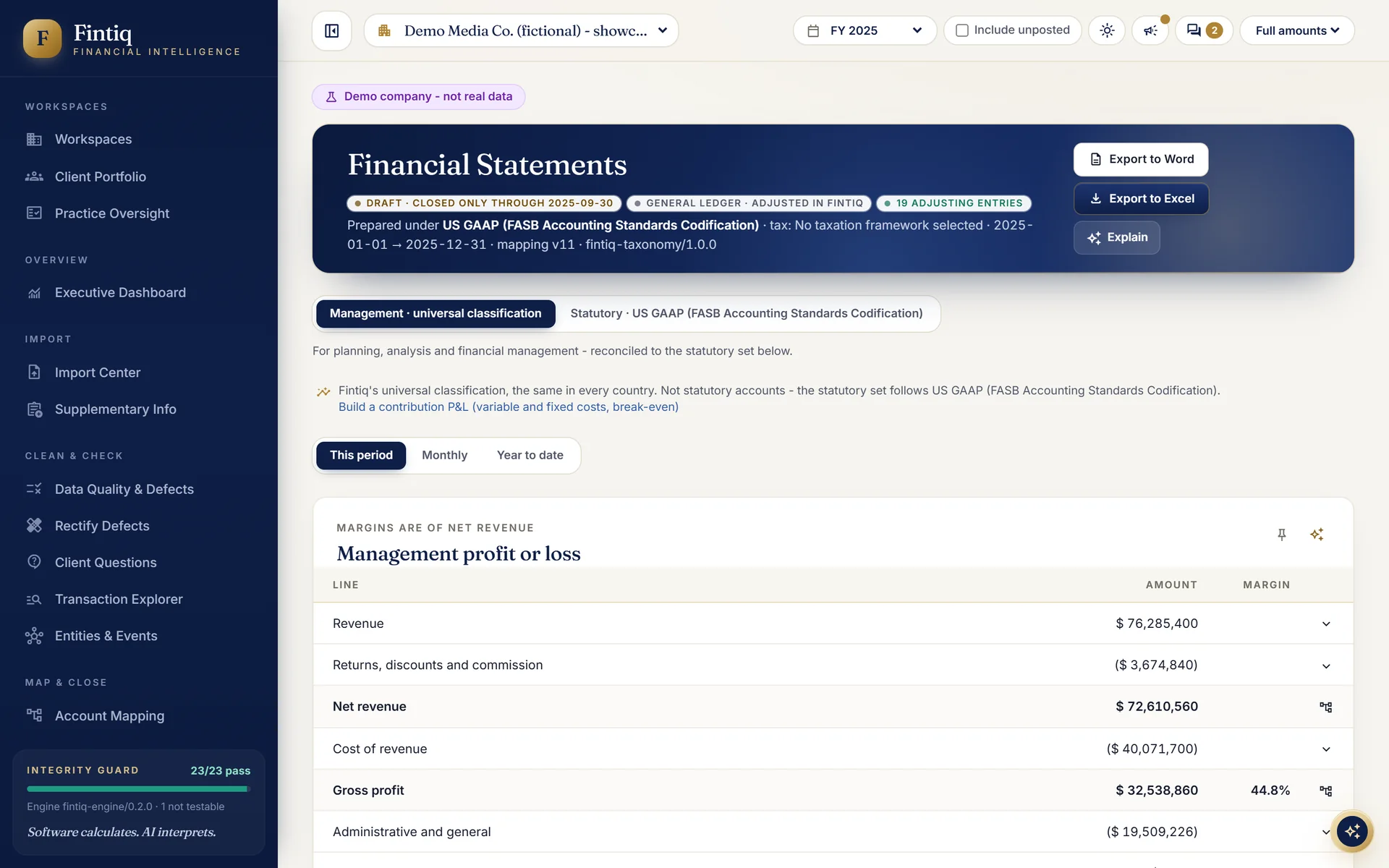
The month-end, without the rebuild
What changes for the firm.
Mapping kept per client
Each client's grouping is approved once, with reasons, and reused every period — renamed accounts come back for review on their own.
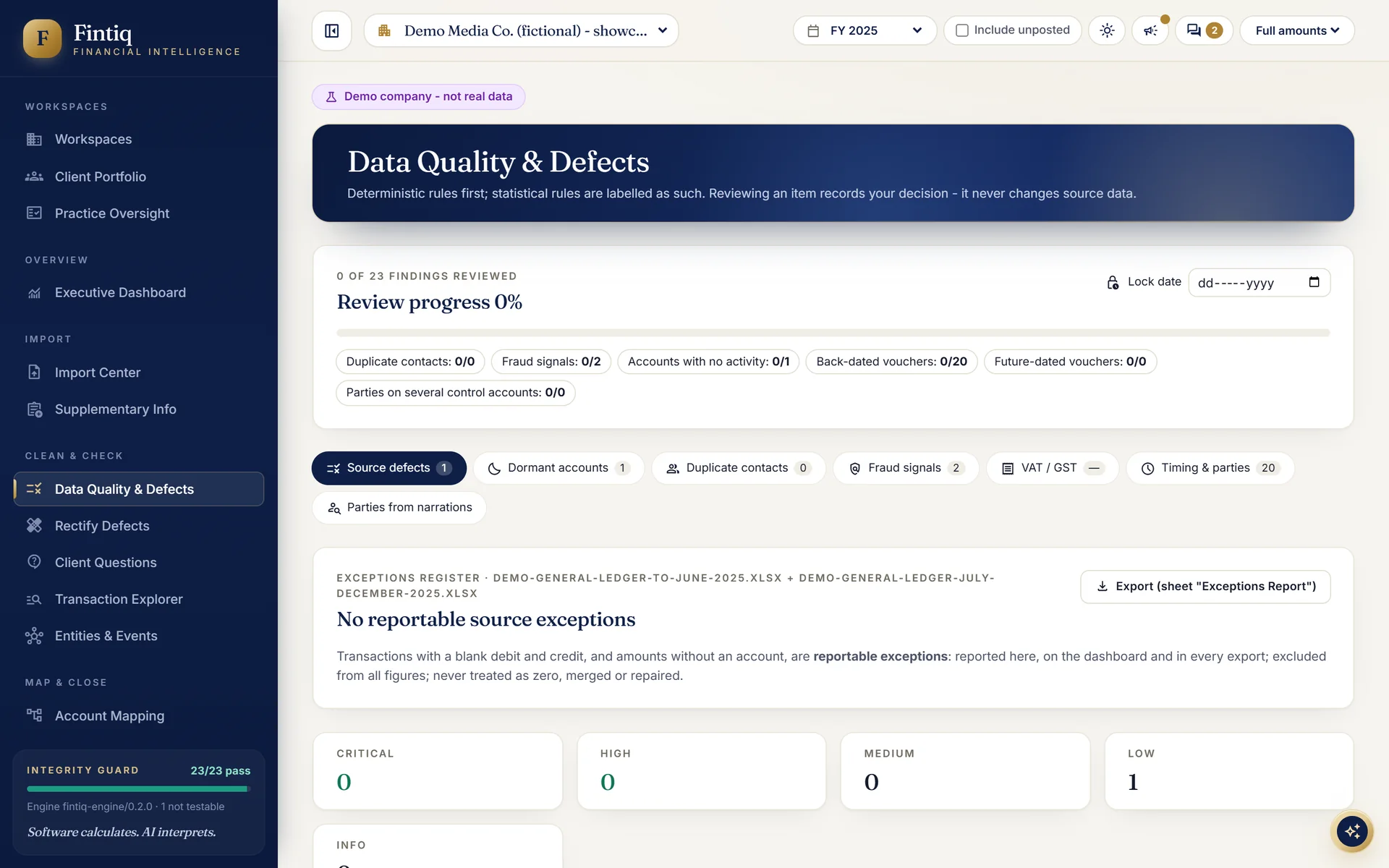
Every client's health
Data health 0-100 for each client, with each deduction stated — gaps, failing reconciliations, open defects, grouping review.
On every pack
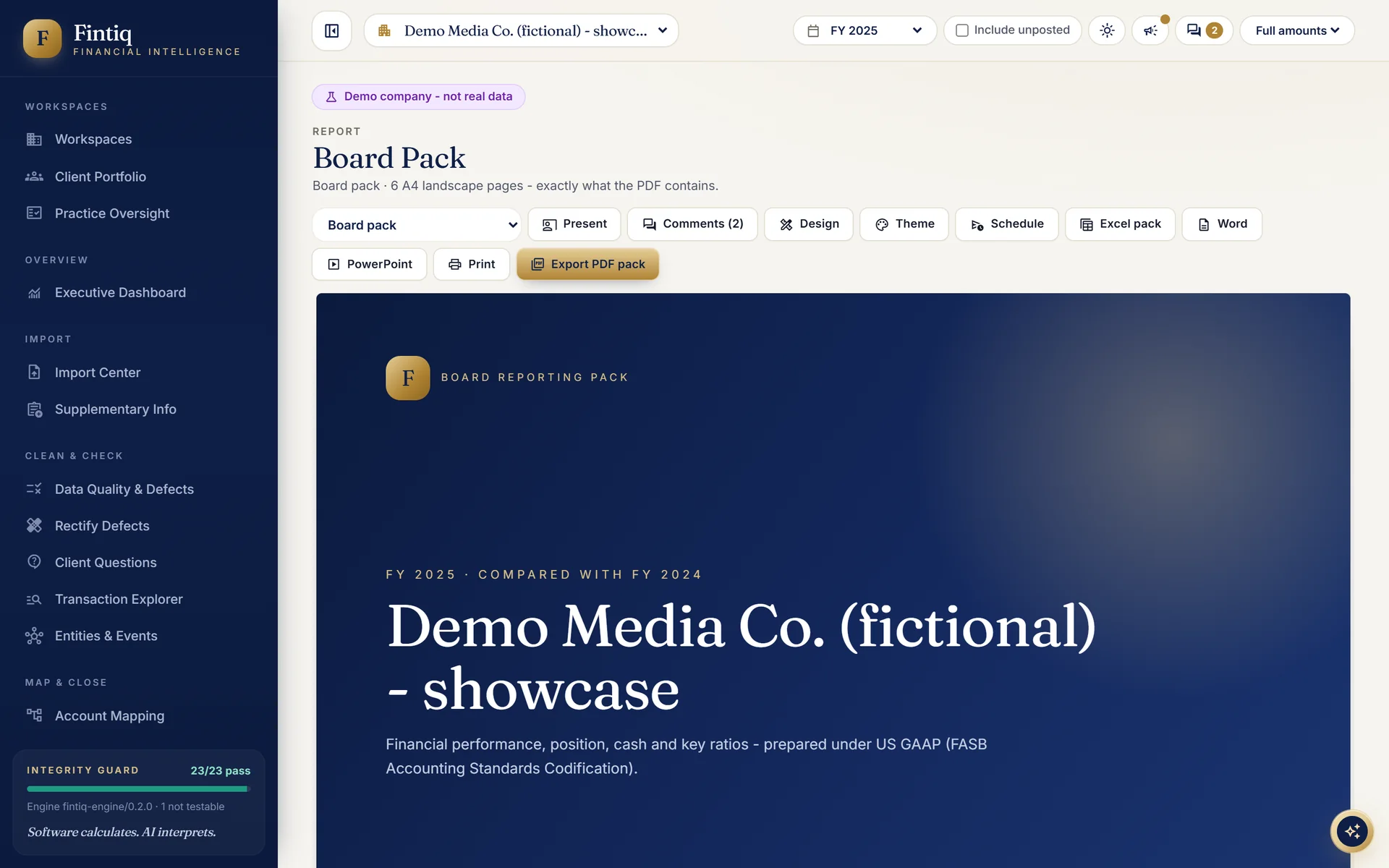
White-label themes: your logo, colors and fonts on statements and board packs, in PDF, PowerPoint, Word or Excel.
Client portfolio & practice oversight
Run the practice from one screen.
See every client together: health score and grade, ranking and benchmarking, alerts for missed targets and data gaps. Assign each workspace, set a status and due date, filter and update in bulk.
- Health score per client, with the reason for every point lost
- Assignee, status, due date and note per workspace; saved views
- Team roles per workspace — manager, preparer, viewer, guest and custom roles
- An activity view of sign-ins, pages opened and downloads
Review & sign-off
Statement sets with a preparer and a reviewer.
Each set moves from preparation to draft, internal review and final. Versions are kept at review and final, a changed figure is flagged, and a final set locks until it is reopened.
- Overrides with a change log, and calculation checks
- Cover, commentary, statements, notes and attached PDFs in your order
- Watermarks for drafts; Word and PDF in page order
- A disclosure checklist decided from the data, with preparer sign-offs
Working with clients
Fewer e-mails. Clearer answers.
Connect their books
QuickBooks Online, Tally, Odoo, Zoho Books or Sage — read-only — or any ledger exported to Excel or CSV.
Ask about an entry
Client questions: send a secure link about one transaction and track the answer, kept with the entry it explains.
Share the result
View-only share links for 1 to 90 days, with an optional password, withdrawable at any time.
Keep exploring
More for firms.
Questions
Asked by firms first.
Are the statements audited?
No. Fintiq prepares audit-grade statements under the framework you choose, with notes, checks and every figure traceable to its source — ready for the auditor. An audit opinion can only come from an independent auditor.
Can each client have a different framework?
Yes. Each workspace has its own reporting and tax framework — US GAAP (with ASC references), IFRS, or local frameworks such as IFRS as notified by SECP with the Companies Act 2017.
Can my team see only some clients?
Yes. Roles are per workspace, and custom roles limit the areas and exports each person may use.
What if a client's data has gaps?
Fintiq still prepares the statements and marks exactly where each gap is and how to fix it. It never guesses a missing balance or forces a voucher to balance.