
Integration · Live
QuickBooks Online, turned into audit-grade financial statements.
Connect once, read-only. Fintiq reads your chart of accounts, general ledger and opening balances directly from QuickBooks Online and prepares statements, notes, KPIs and a board pack under the framework you choose.

What Fintiq reads
Exactly what it needs — and nothing more.
The connection uses QuickBooks Online's official accounting API with read-only access. Fintiq never posts, edits or deletes anything in your company.
From one connection
- Statements under US GAAP, IFRS or your local framework, with comparatives and notes
- 115+ KPIs and ratios, flux and variance analysis
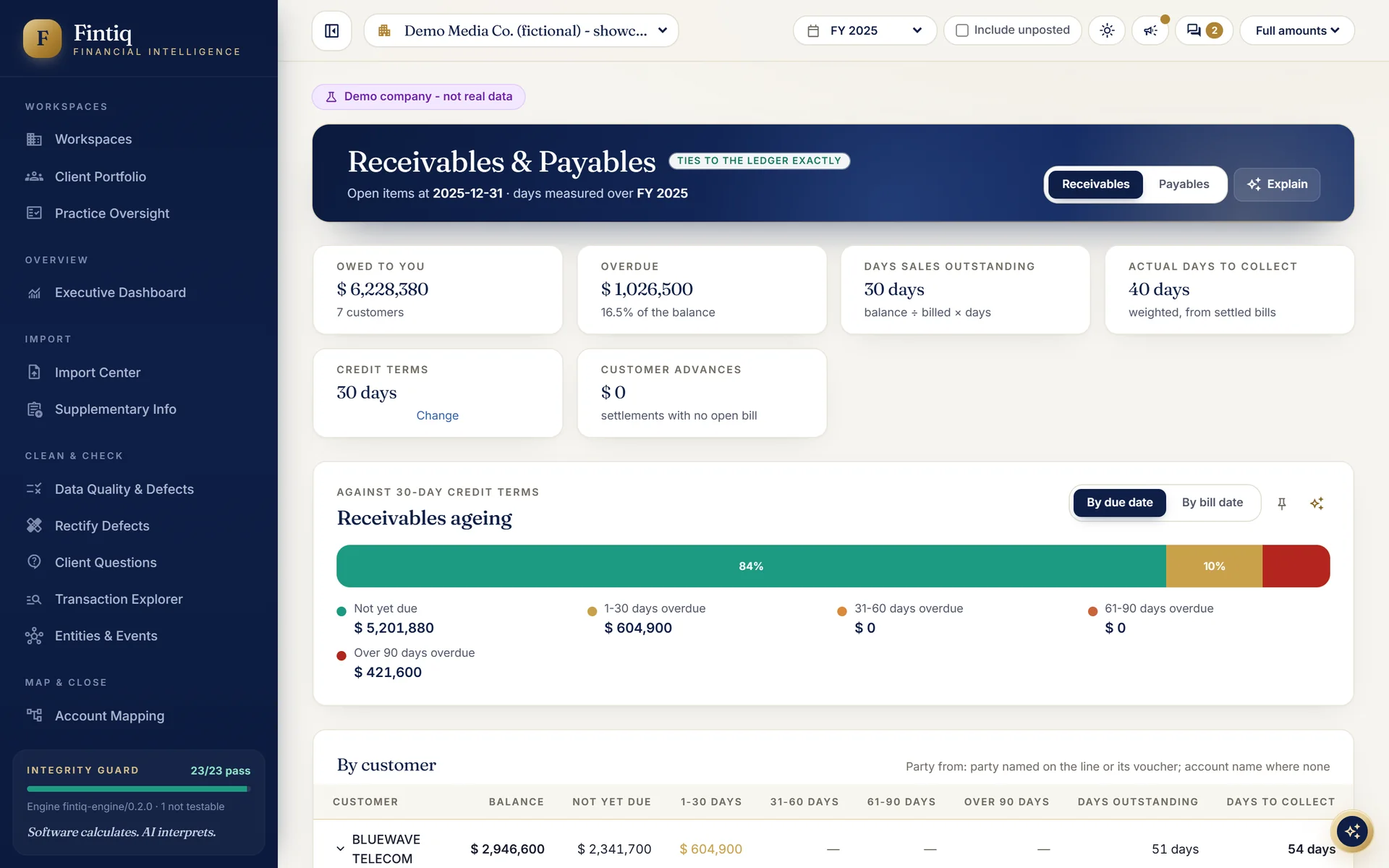
- Receivables and payables aging, and a 13-week cash forecast from open items
- Budget against actual, from the budget already in QuickBooks
- A branded board pack in PDF, PowerPoint, Word or Excel
Set-up
Connected in three steps.
Choose QuickBooks Online
In the Import Center, pick QuickBooks Online and sign in to Intuit to approve read-only access.
Pick the period
Fintiq reads the months you choose, with the opening balances that start them.
Approve the mapping
Fintiq proposes where each account belongs under your framework; you approve or correct it, with a reason.
You can disconnect at any time from Fintiq or from your QuickBooks Online apps list.
Good to know
Limits, stated plainly.
- The connection is read-only by design: corrections are made in QuickBooks, then read again.
- AI features are switched off for workspaces that hold QuickBooks data. Every figure still comes from Fintiq's deterministic engine.
- QuickBooks Desktop is a separate product; until its direct connection arrives, its exports import through Excel or CSV.
Other connections
Not on QuickBooks?
Tally, Odoo, Zoho Books and Sage Accounting connect directly too. FreshBooks is in beta, and any other system works through an Excel or CSV export.
Questions
About the QuickBooks connection.
Can Fintiq change anything in my QuickBooks company?
No. Access is read-only. Fintiq never creates, edits or deletes anything in QuickBooks Online.
Where are my QuickBooks tokens kept?
Only in your workspace's encrypted database. They are never sent to the browser.
Which frameworks can the statements follow?
US GAAP (with ASC references), IFRS, or local frameworks such as IFRS as notified by SECP with the Companies Act 2017 — chosen per workspace.
What if my books have gaps?
Fintiq still prepares the statements and marks exactly where each gap is. It never guesses a missing balance or forces a voucher to balance.